Tutorial
How to Install AirPass eSIM on iPhone | Step-by-Step Guide
Installing your AirPass eSIM on iPhone is simple, fast, and can be done in just a few steps. In this video, we show you how to install and activate your AirPass travel eSIM on iPhone, so you can stay connected while traveling without using a physical SIM card or paying expensive roaming fees.
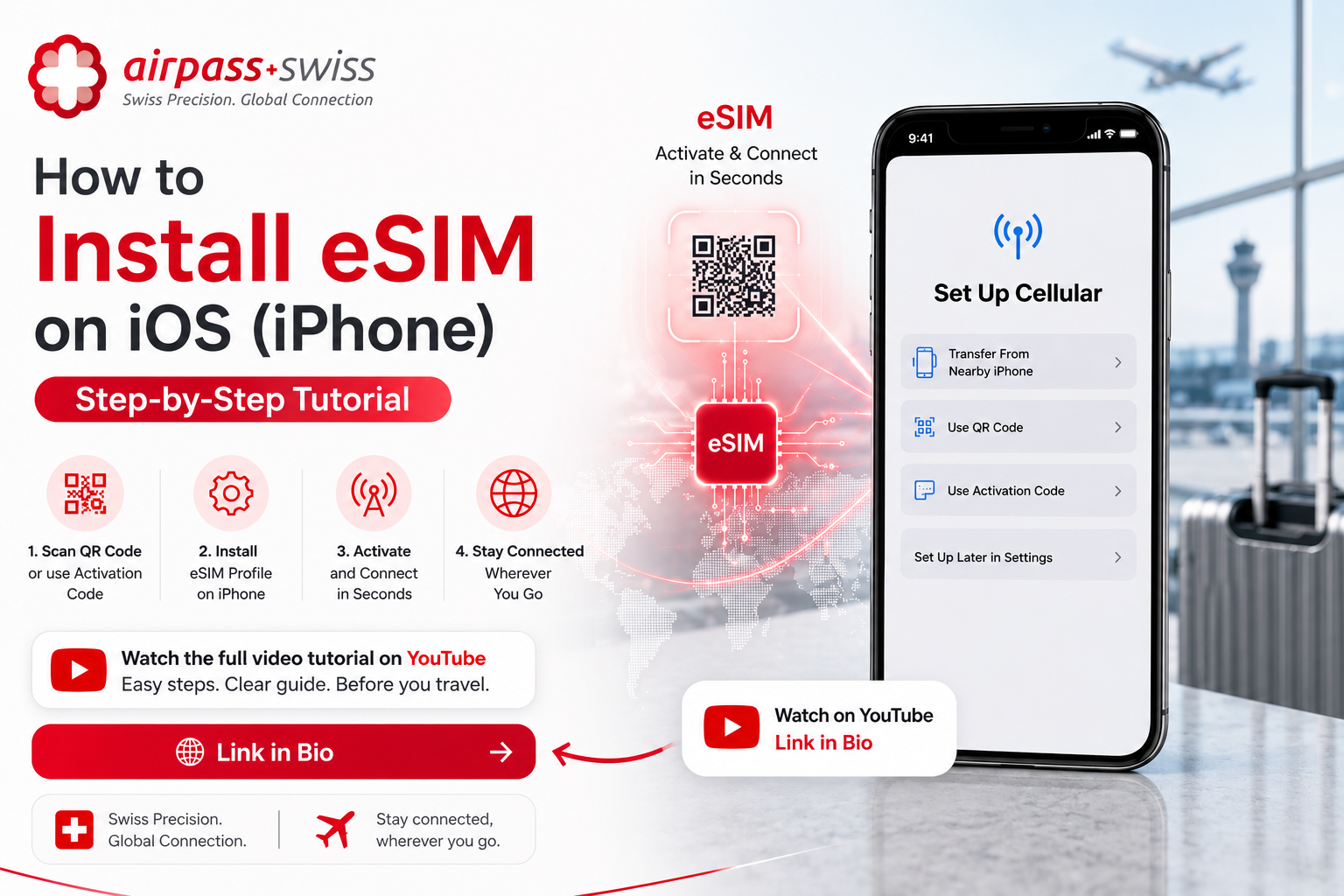
Installing your AirPass eSIM on iPhone is simple, fast, and can be done in just a few steps.
In this video, we show you how to install and activate your AirPass travel eSIM on iPhone, so you can stay connected while traveling without using a physical SIM card or paying expensive roaming fees.
Tutorial: https://youtube.com/shorts/Tfk2LrxuURI
**With AirPass eSIM, you can:**
- Install your eSIM before traveling
- Connect to mobile data when you arrive
- Avoid roaming surprises
- Use maps, WhatsApp, email, social media, and travel apps
- Stay connected in supported countries worldwide
Before installation, make sure your iPhone supports eSIM and that you have a stable Wi-Fi connection.
Travel smarter with AirPass eSIM.
Your passport to global internet.
Visit: airpass-global.com
Choose your destination, install your eSIM, and stay connected.